
Redux
Last updated:
Redux uses an image as the starting point for a variation. It is useful when you like the general idea but want to explore a different interpretation.
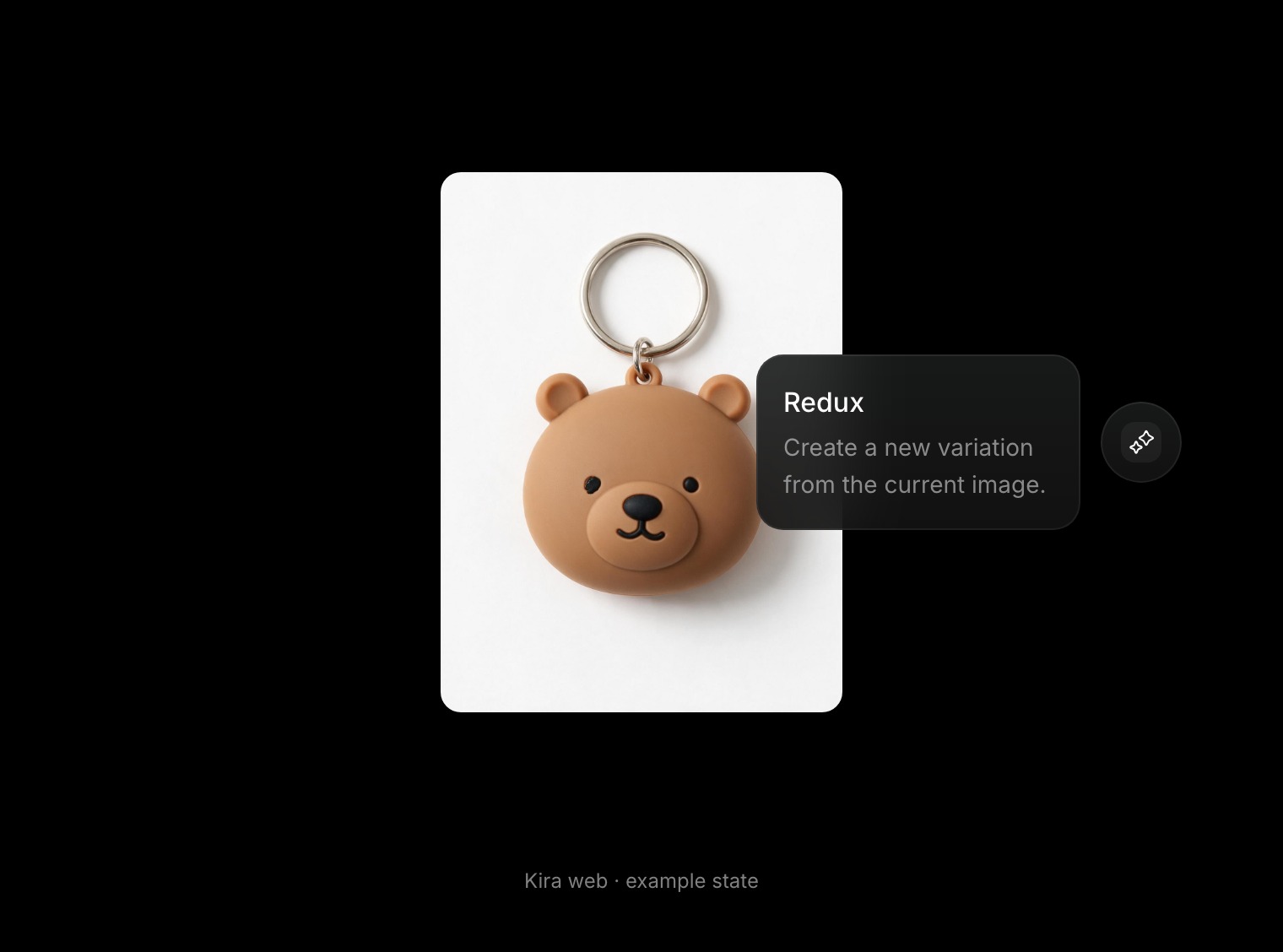
Make a variation
- Open your project and select the image you want to use.
- Choose Redux in the tools.
- Review and confirm the action if a confirmation is shown.
- Wait for the new result, then compare it using the version strip.
No drawn selection is needed. Review the whole result: a variation can change details, and exact composition or identity is not guaranteed.
Pick the right workflow
- Use Redux to explore a variation of the overall image.
- Use Image Edit when you can describe a specific change.
- Use Sketch when you want to draw where that change belongs.
- Use Adjust for manual colour and tonal refinements.
Tips and credits
Compare each result before requesting another. Keep the original version available so you can choose the direction you prefer.
Each completed Redux action currently costs 5 credits. Generating another variation is another action. Read Credits & Usage.