
Redux
Last updated:
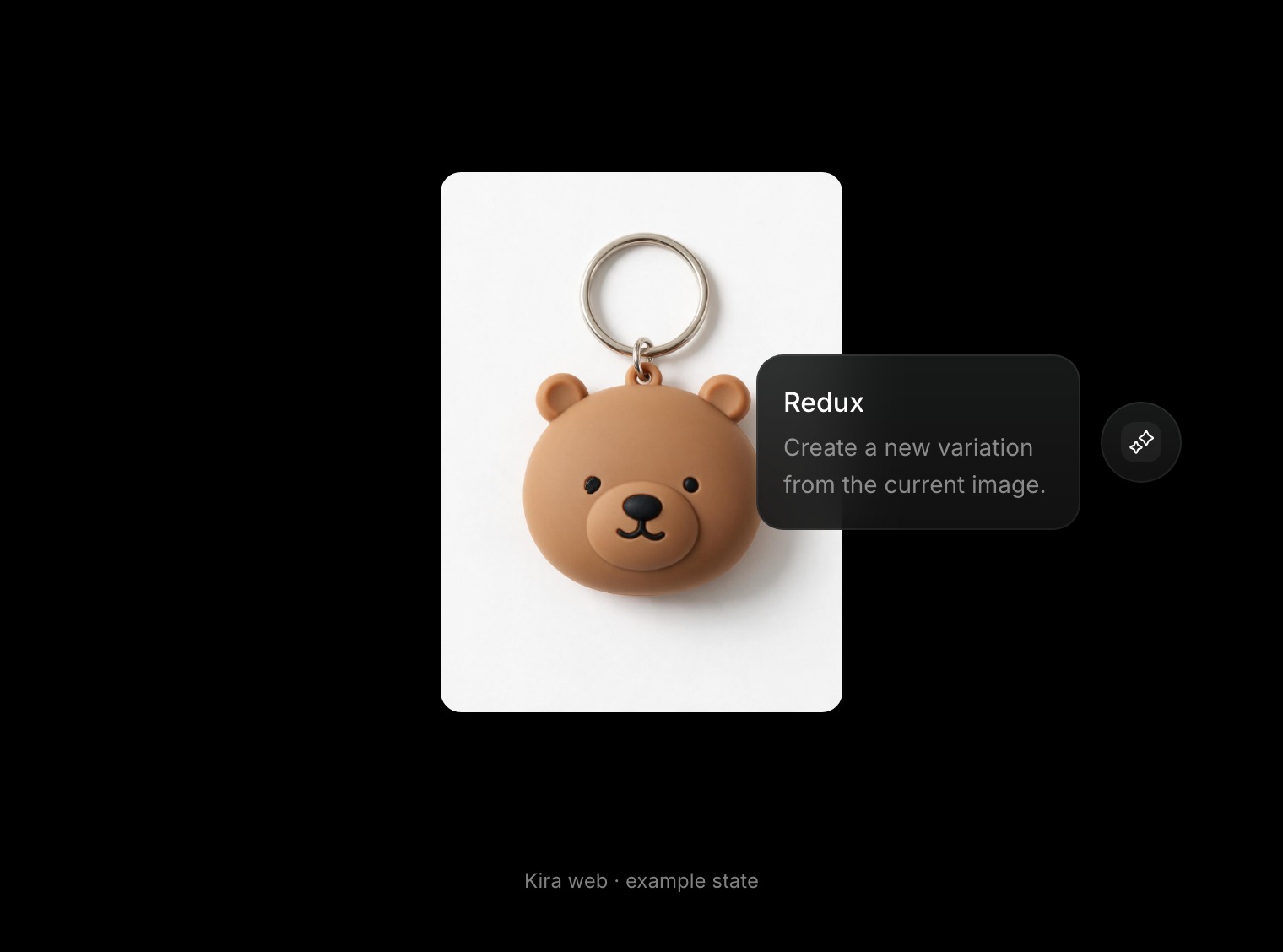
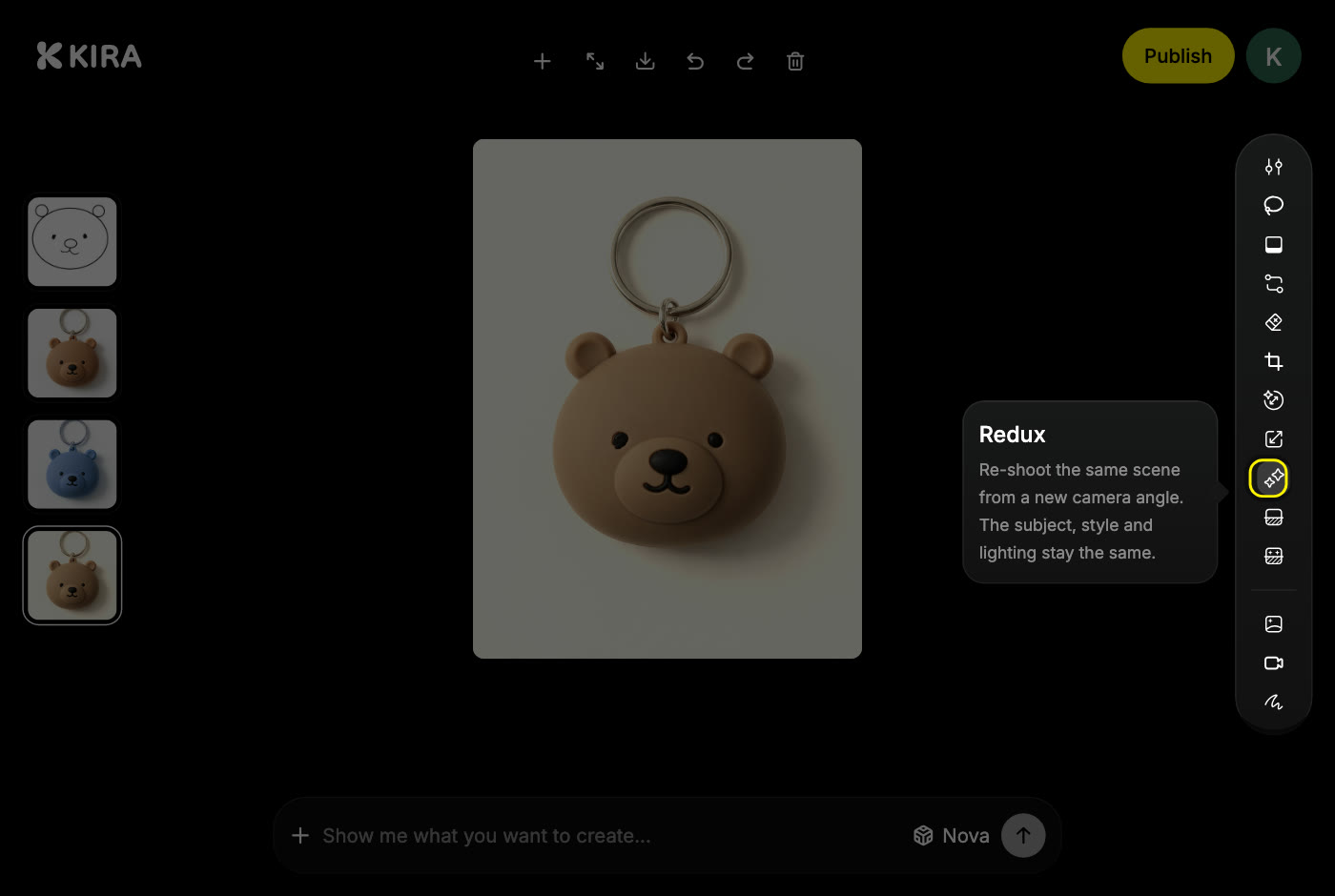
Redux is a re-shoot. The subject, the style and the lighting stay the same, and the camera moves. Use it when you like the shot but want to see it from somewhere else.
CostReduxper completed action5 credits
Charges apply to completed actions. Nova and Ultra reserve the standard amount and settle the actual charge when the action finishes, which can be lower.
How to get a new angle
- Open the project and select the version you want to re-shoot.
- Choose Redux in the AI tools. There is nothing to draw or type.
- Confirm if Kira asks you to.
- Wait for the new version, then compare it in the version strip.
Tips
- Look at the whole frame. A new angle reveals parts of the scene that were hidden and hides others.
- The framing is Kira's choice. Run Redux again for another angle; each run is a new version.
- Keep the original version. Redux never replaces it, so you can always go back.
When another tool fits better
- Image Edit when you can describe the exact change you want.
- Sketch when you want to draw where that change goes.
- Adjust for colour and tone without changing the shot.
Each completed Redux is one billable action, and each new angle is another. See Credits & Usage.