
Projects and versions
Last updated:
Every request you send from the prompt box creates a project. A project keeps every result you made in it as a version, so you can compare, go back and continue from any point. Nothing in a project is public until you publish it.
Find past work
- Open Editor in the left navigation and choose the Project tab. On mobile web, tap Create, then Project.
- Projects are listed newest first, with a title, the date and a row of thumbnails.
- Choose Open Project to continue, or click a thumbnail to jump straight to that version.
There is no search for projects yet. If you have many, scroll by date. Published posts also live on your Profile, and each post links back to its media.
Versions
Inside a project, the version strip on the left (along the top on mobile web) lists every result in order. Click one to put it on the canvas. From there you can:
- Export it. The file downloads to your device; nothing is published.
- Publish it to the gallery. See Publish, edit and delete a post.
- Run any AI tool on it. The result becomes a new version at the end of the strip.
- Keep talking to Kira in the prompt box to change it.
The overwrite warning
If you go back to an earlier version and send a new message, Kira asks: Sending a new message will discard all versions after the current one. Continue? Choosing Confirm deletes the later versions for good and continues from the selected one.
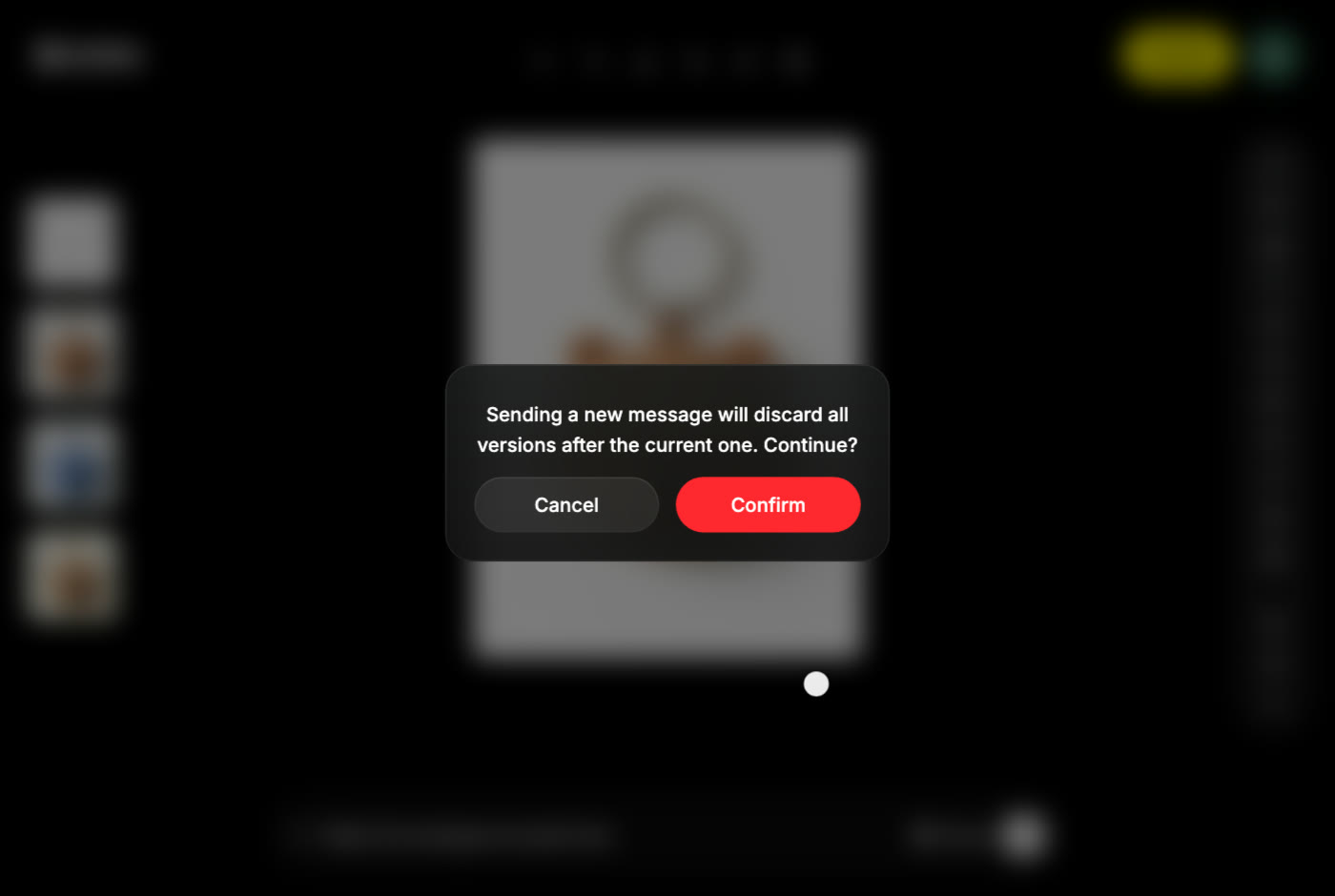
To keep the later versions, Export the ones you want first, or choose Cancel, go to the latest version and send your message from there. Using an AI tool on an earlier version does not trigger this warning; the result is simply added to the strip.
Delete a project
Choose the trash icon next to a project in the Project tab, or Delete in the top bar inside the project, then confirm. Deleting is permanent and removes every version in it. Posts you already published from the project are not affected; delete those from your profile if you want them gone too.
What can and cannot be recovered
| Recoverable? | |
|---|---|
| A version you went back from, without sending a new message | Yes, it is still in the strip |
| Versions discarded by the overwrite warning | No |
| A deleted project | No |
| An exported file you deleted from your device | No, unless the version still exists in the project |
| A deleted post | No, but the project and its versions remain |
Support cannot restore deleted projects or versions, so export anything you care about before deleting or overwriting it.
Common questions
I can't find an image I made last week.
Open Editor → Project and scroll to that date. If you published it, check your Profile. If you deleted the project, it is gone.
Does a failed generation make a version?
No. A version is only added when a result completes, and a failed task releases its credit reservation. See Credits & Usage.
Can I rename a project?
Not yet. The title comes from your first prompt.
Can I move a version to another project?
Not directly. Export it, then upload the file in the other project with + .